-
What is SCORM?
SCORM is a set of technical standards for eLearning products. It provides the communication method and data models that allow eLearning content and LMSs to work together. It tells programmers how to write code so that what they build will “play well” with other eLearning software. SCORM is the most widely used eLearning standard available.
Learn more -
Why should I use SCORM?
The biggest benefit of SCORM is interoperability. If you create content, your client will need to upload that content into their LMS. If you are an LMS or Learning Platform provider, a client will want to import content from other sources. SCORM takes care of making sure content is compatible with an LMS and that an LMS can import, launch and track content.
Learn more -
What are the technical details?
SCORM is composed of three sub-specifications. Content packaging specifies how content should be packaged and described. Run-Time specifies how content should be launched, how data communicates with the LMS and includes the spec for the data model of that communication. Lastly, Sequencing specifies how a learner can navigate between parts of a course (SCOs).
Learn more
Learn SCORM in less than a minute
In this video, you’ll learn about common eLearning standards, when to use the SCORM standard, and the data SCORM collects. Have questions about your next SCORM project? Contact us. We are here to help.
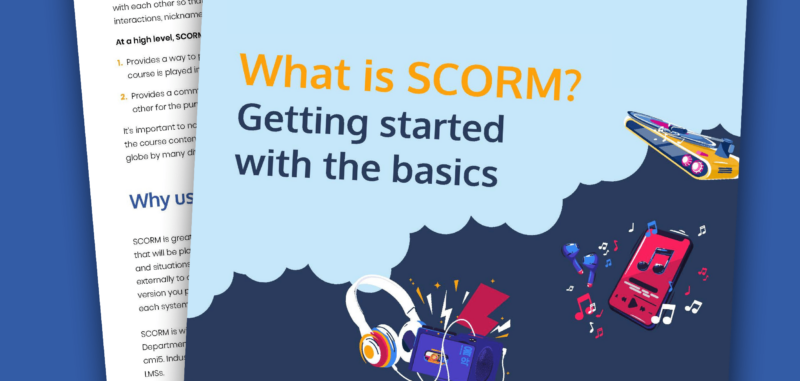
How is SCORM like an MP3? Find out in the basics of SCORM eBook
Whether you’re an instructional designer, training administrator or course developer, you likely have a big goal for your learning content: for your customers or learners to be able to play and complete your courseware and view the reports. Learn how the SCORM eLearning standard can help and how to get started.
Download the eBook
What does Rustici Software have to do with this website?
Rustici Software is the company behind SCORM.com. We started this website back in 2005 as a way to help people understand and implement the SCORM standard, but we did not create the SCORM standard. SCORM was developed and is now managed by Advanced Distributed Learning Initiative (ADL) to support the Department of Defense and their objective of standardizing learning objects to promote portability of training across systems.
Along with providing support and resources to help people navigate the SCORM standard, we also provide software solutions that help eLearning products comply with the standards and solve common problems that arise when implementing them.
Learn moreQuestions? Ask us anything.
At Rustici Software, we help hundreds of people each month with their SCORM questions. We’re happy to help. You can ask us anything ‒ really.